KnowledgebaseHow to Increase PHP Memory Limit in cPanel

This guide is applicable for the cPanel servers which have Cloudlinux installed and Cloudlinux's php selector is enabled.

Documentation•Updated Aug 22, 2025

How can I Increase PHP memory limit in cPanel

This guide is applicable for the cPanel servers which have Cloudlinux installed and Cloudlinux's php selector is enabled.


To increase php memory limit, login to your cPanel and the follow these steps.

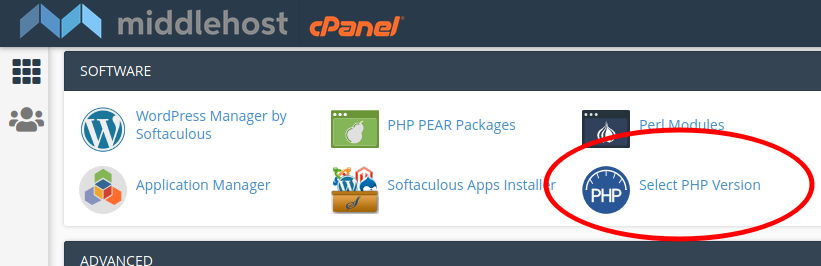
  1. Click on "Select PHP Version" on cPanel under Software section.

    Select PHP Version.png

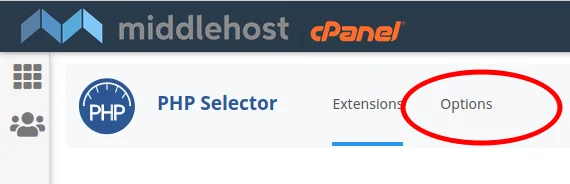
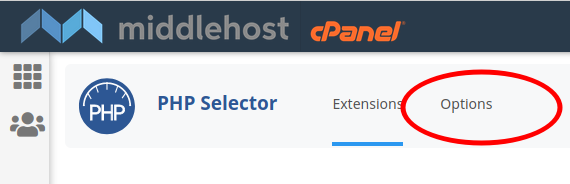
  2. Click On "Options" in PHP Selector

    Click Options on PHP Selector.png

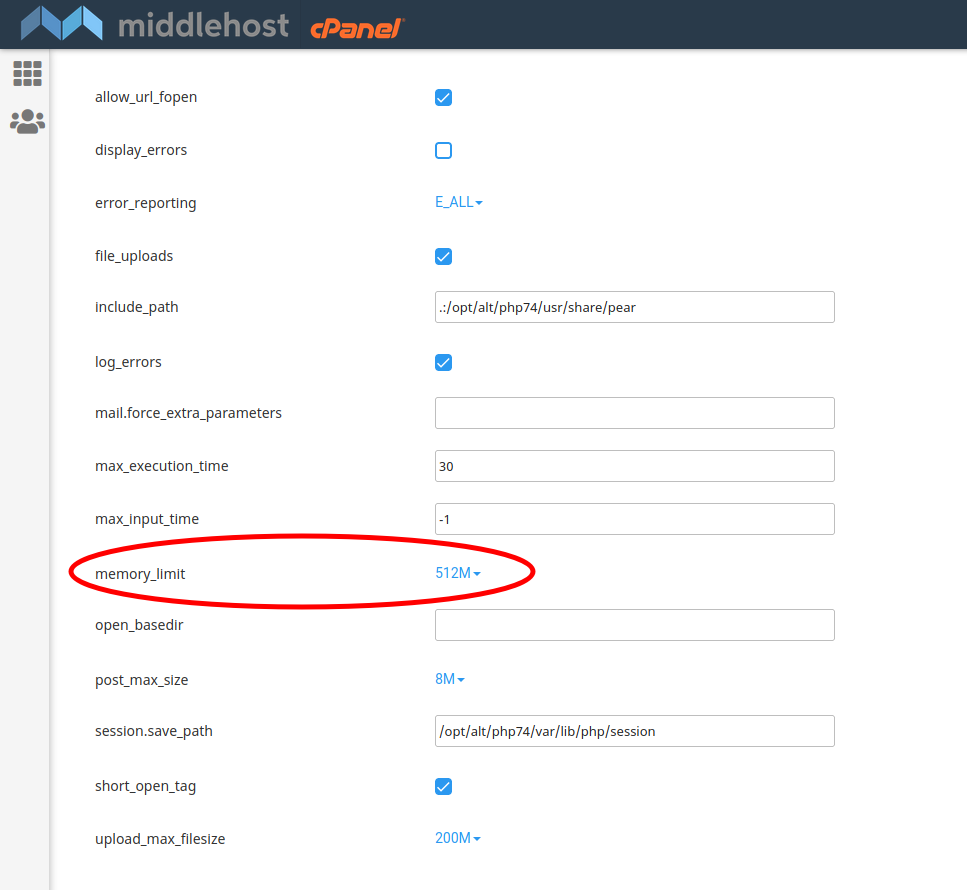
  3. On Options page select desired php memory limit from the dropdown.

    select desired php memory limit.png

Get a faster host this week

Keep the site.
Leave the old host.

Cheap hosting from $0.83/mo on a 5-year plan, 50% off. Free eligible migration, clear CPU and RAM limits, and a person when DNS or email acts up.