How to Change nameservers?
If You have purchased domain from Middlehost and want to change nameservers of the domain, You can follow these steps.
- Login to Client Area
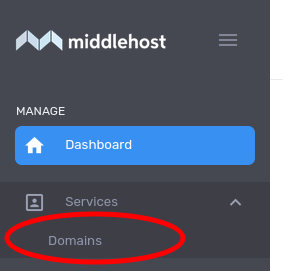
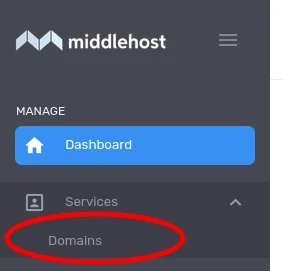
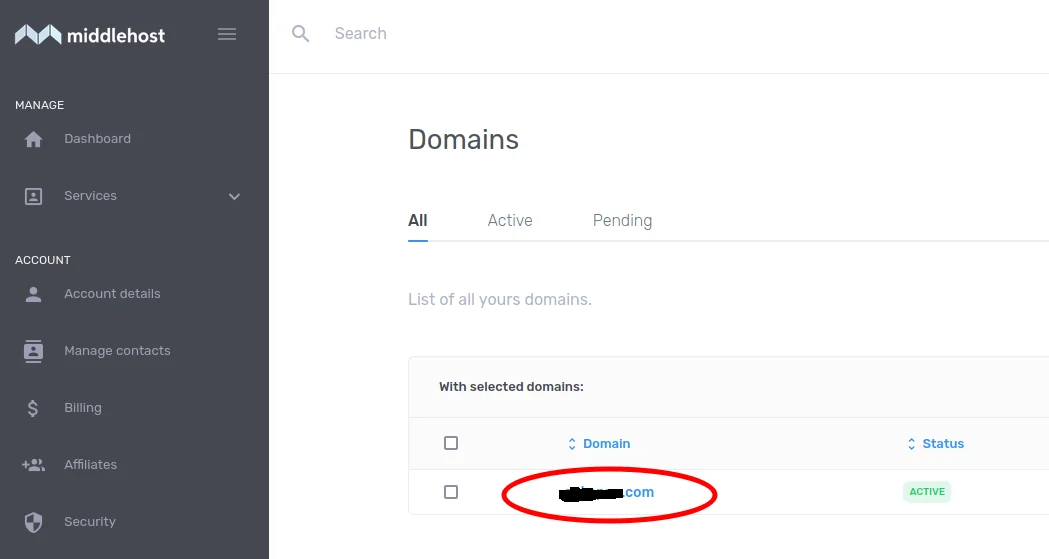
- Click on Domains Under Services menu on left side bar.
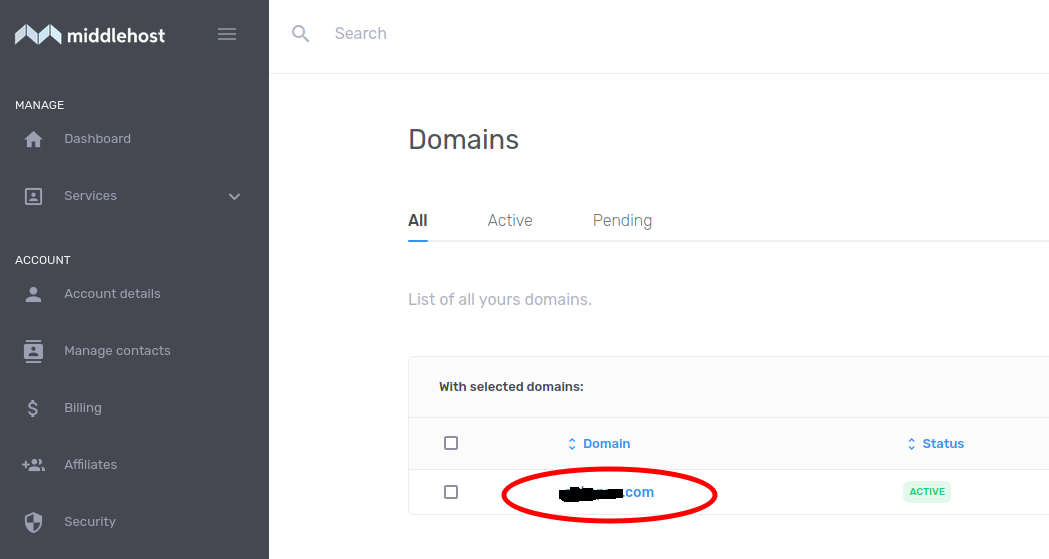
- Click on Your Domain Name
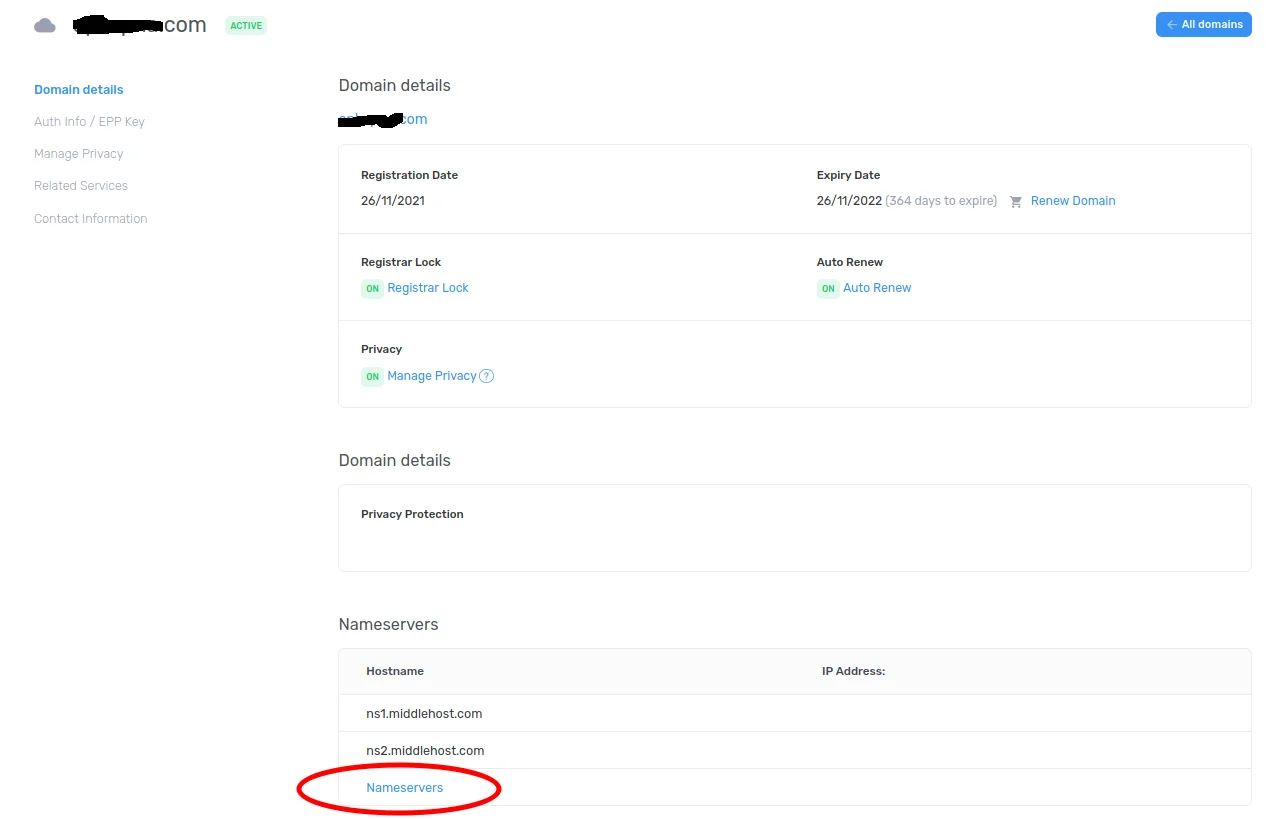
- Following page with your domain name information will display. Click on Nameservers link at bottom of the page
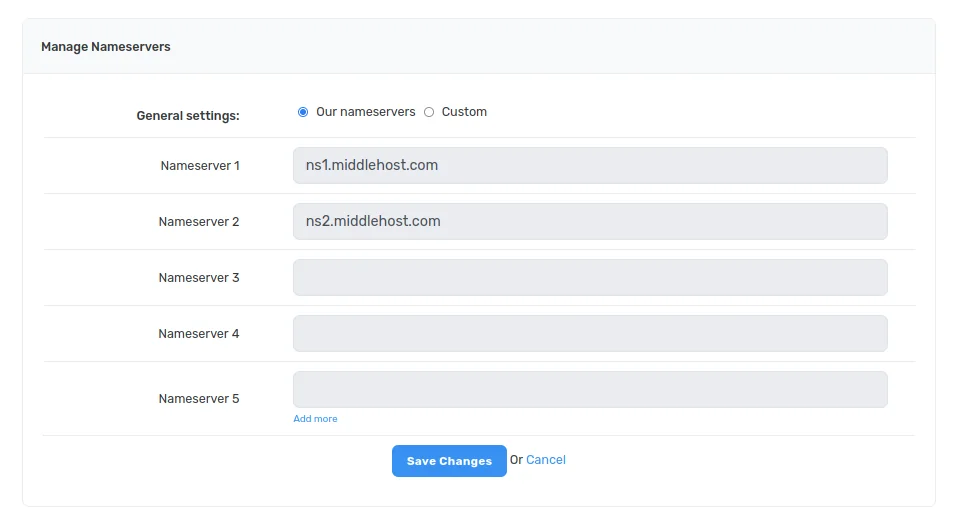
- If You want to Use middlehost's nameservers Click on "Our nameservers". If You have purchased hosting from somewhere else or want to use cloudflare's nameservers then click on Custom, type your nameservers and click Save settings.