How can I change php version and install extensions
This guide is applicable for the cPanel servers which have Cloudlinux installed and Cloudlinux's php selector is enabled.
Login to your cPanel and the follow these steps.
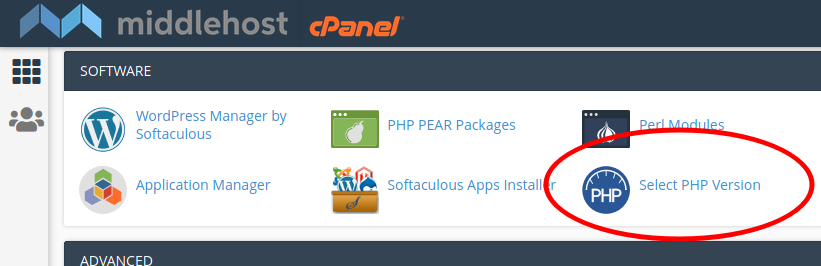
- Click on "Select PHP Version" on cPanel under Software section.

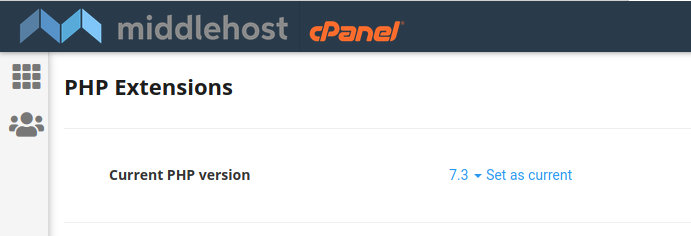
- If You want to change PHP version select php version from the dropdown and then click on "Set as current".

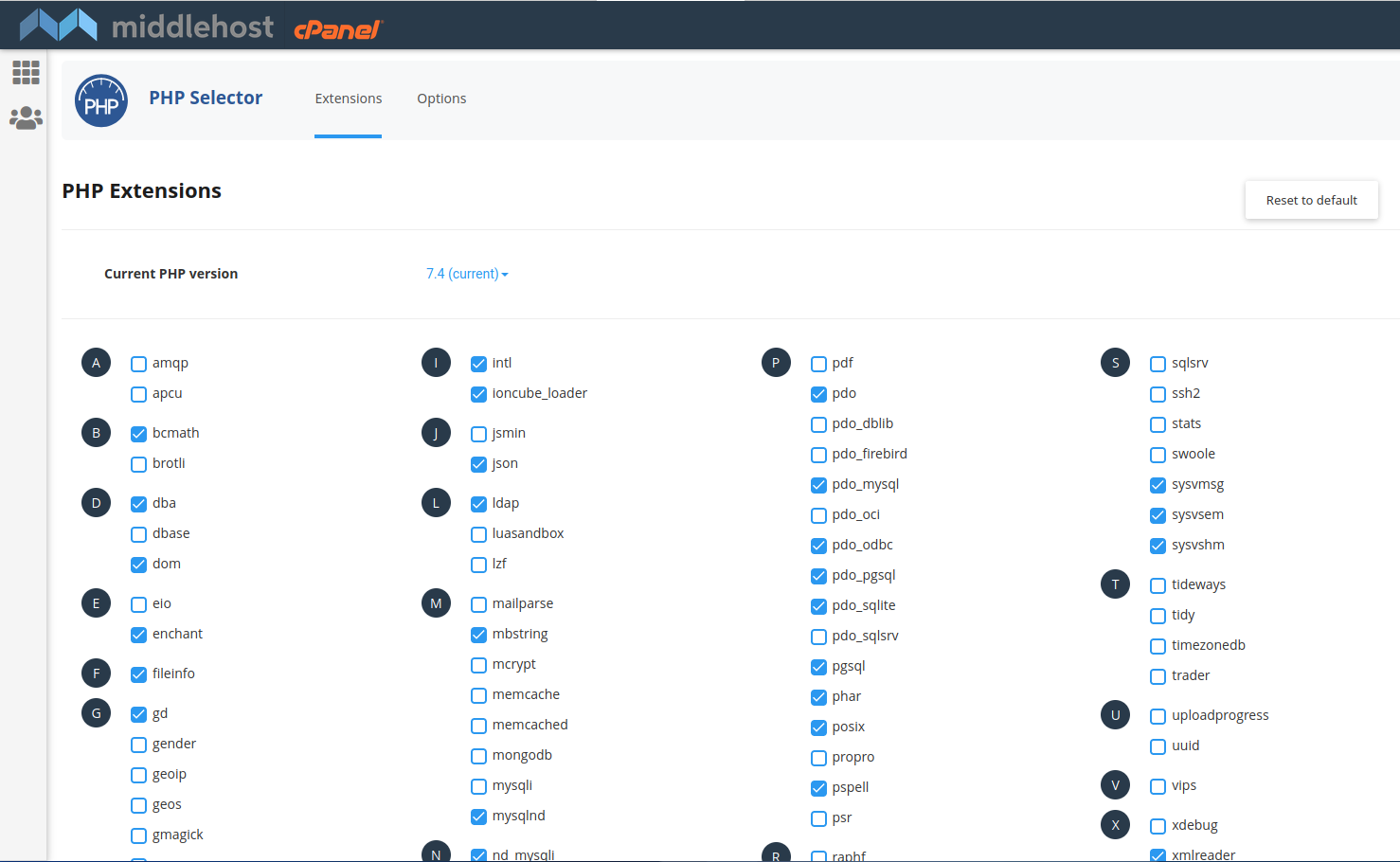
- Select the extensions which You want to install from the list
If native is selected as php version then extensions list will not show. Make sure to select any php version as demonstrated in step 2 above